> For the complete documentation index, see [llms.txt](https://docs.scaleflex.com/llms.txt). Markdown versions of documentation pages are available by appending `.md` to page URLs; this page is available as [Markdown](https://docs.scaleflex.com/digital-asset-management-dam/library/sharebox.md).
# Sharebox
Learn how to securely share DAM assets with external agencies and partners. Manage downloads, set expiration dates, and simplify your distribution workflow without requiring user logins.
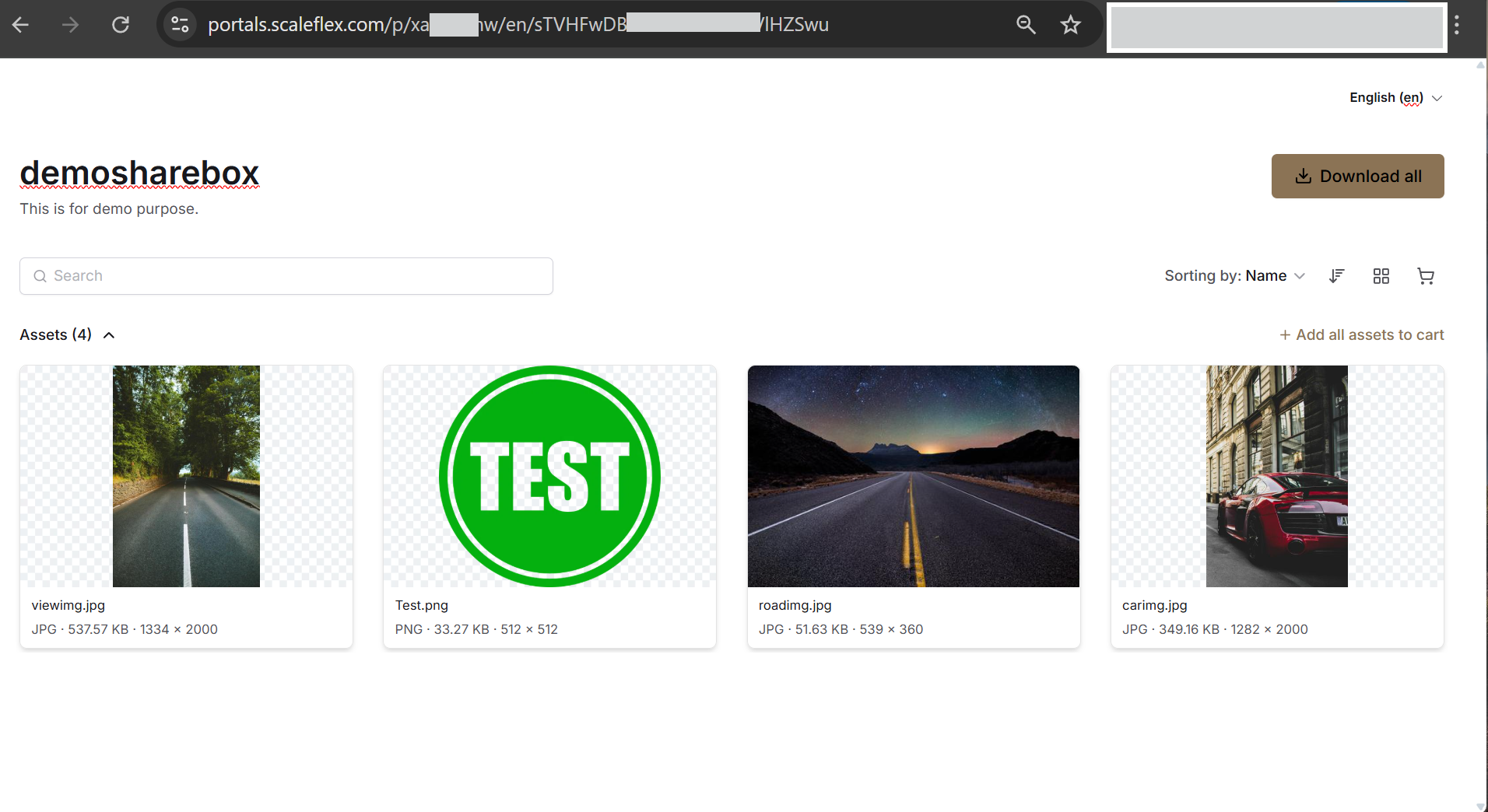
Sharebox allows you to share assets with third parties without access to Scaleflex DAM.
### Creating a Sharebox
To create a Sharebox, select the assets you would like to share and open the Share Assets modal in the top bar or the context menu `...` *Share* > *Via Sharebox*.
Each Sharebox can optionally be password-protected, have an activation and expiration date, and provide options to disable or enable asset downloads. Additionally, you can invite users by email to access the Sharebox.
## Preview, Edit and Delete Sharebox Instances
To Preview, Edit, or Delete a Sharebox instance, go to the 'Sharebox' section in the left menu of your Library.
Then select a Sharebox item and click on the `...` menu. You can also change the password, activation date, or expiration date inside this modal.
{% hint style="warning" %}
These settings are used to manage the Sharebox ***configuration***.\
Editing the ***shared assets*** must be done through the [Asset view](/digital-asset-management-dam/library/assets/asset-details-window/asset-actions/edit-media-image-video-etc.md).
{% endhint %}
{% hint style="success" %}
Sharing an entire folder allows dynamic update of the Sharebox content - when you add/edit/delete files from this folder, the changes are immediately reflected in the Sharebox.
{% endhint %}
### Copy Sharebox link and Share via Email
Hover over any Sharebox to reveal options to copy its link or send it via email.
### Filtering options
You can filter only specific Sharebox instances which match your business needs:
* Total - shows all existing Shareboxes in the project.
* Active - shows all currently active Shareboxes. This category includes Shareboxes without an expiration period and Shareboxes whose expiration period is not near future.
* Protected - Shareboxes with password-protected access
* Scheduled- Shareboxes that are not yet active
* Expired - shows Shareboxes which can no longer be used.(their validity is over)
### Sharebox page Views
The sharebox page supports two types of views, each dedicated to serving specific business needs.
#### List view
This view orders the Sharebox records in a table-like structure, having columns with details about the Shareboxes. It is best for managing multiple Shareboxes and comparing their details.
The user can choose sorting order and the level of detail of the shown information.
The **Name** column is always shown. You can show or hide the other columns:
| Column | Shows |
| ------------ | ------------------------------------------------- |
| Description | The Sharebox description, under its name |
| Files | The number of shared assets and folders |
| Status | Active, Scheduled or Expired |
| Downloadable | Whether recipients can download the shared assets |
| Validity | The activation and expiration period |
| Created | The date the Sharebox was created |
| Modified | The date the Sharebox was last changed |
| Created by | The user who created the Sharebox |
Click the **Name**, **Validity** or **Modified** column header to sort by that column. Click it again to reverse the order. By default, Shareboxes are sorted by **Modified**, newest first.
#### Grid view
This view shows the Sharebox instances as a grid of elements where the main focus is the individual Sharebox. Best for quick visual browsing or filtering by creator.
In Grid view, you can sort Shareboxes by **Name**, **Validity** or **Modified**.